iTDS is here to assist you with all your teaching needs
Reserve Your Equipment
Please email Dr. Henry Yu (henry.yu@bsu.edu) if you have questions about hours.
If you need help getting started with the device(s) you have reserved, please find the following tutorials and guides available to help you prepare to use the equipment the way you intend.
QUICK START GUIDES

Getting Started Using the Smartboard+Document Camera
Getting Started with the Smartboard + OWL
How to Create AR with HP Reveal Studio

iPad Processes
Go Hero Cameras
Swivels for recording teaching
Microphones
Applications (Installed on iPads)
CURRENT APPs
Bloxels
ChatterPix
ClassDojo
Epic – Kids Books and Reading
Flipgrid 1
Microsoft OneDrive
Microsoft Powerpoint
Microsoft Word
Microsoft Excel
Nearpod
Popplet Lie
QR Code Generator
Seesaw Class
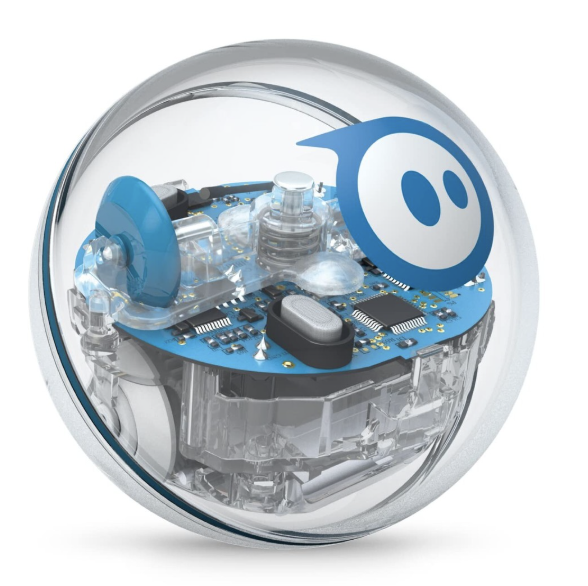
Sphero Edu
ThingLink
Classroom
Evernote
ScratchJr
ShowMe interactive whiteboard
New Apps – IN PROGRESS OF BEING ADDED
Edpuzzle
Google Drive
Google Slides
Google Docs
Google Sheets
Canvas
APPS REQUESTED
Breakout EDU
Teleprompter Premium
Step by Step Process for iTDS Equipments.docx
iTDS (Instructional Technology Design Studio)